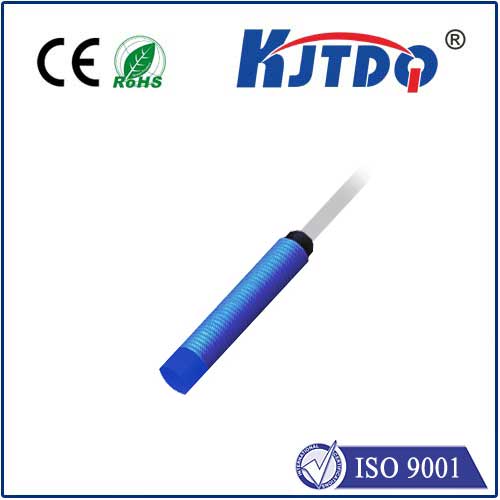
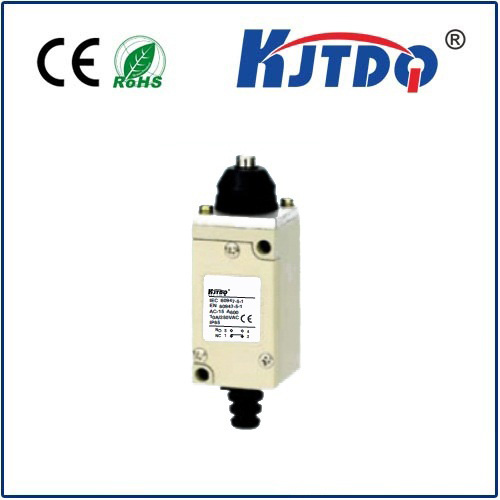
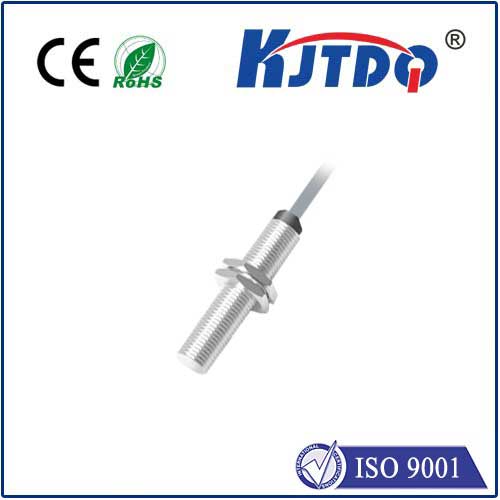
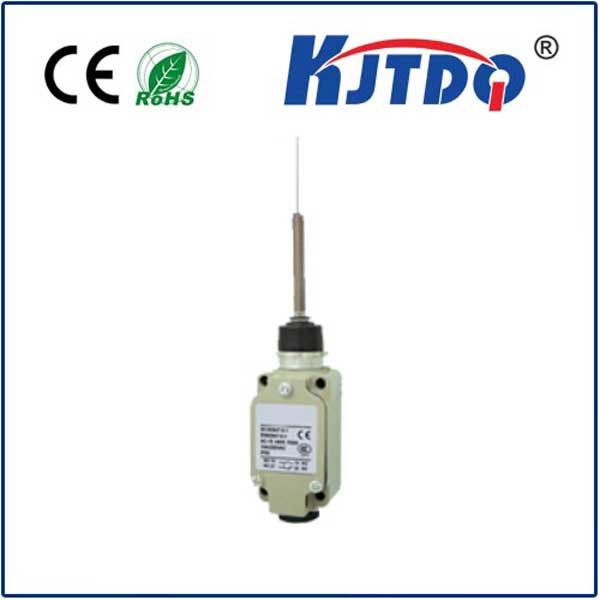
Integrating a limit switch with an Arduino-controlled stepper motor is a fundamental skill for building reliable automated systems, from 3D printers to CNC machines. This setup prevents damage by defining physical boundaries for movement, ensuring the motor stops at precise locations. The core principle involves connecting a mechanical or optical switch to the Arduino's digital input pin. When the stepper motor's carriage or toolhead reaches the switch and activates it, the Arduino receives a signal and can halt or reverse the motor immediately.
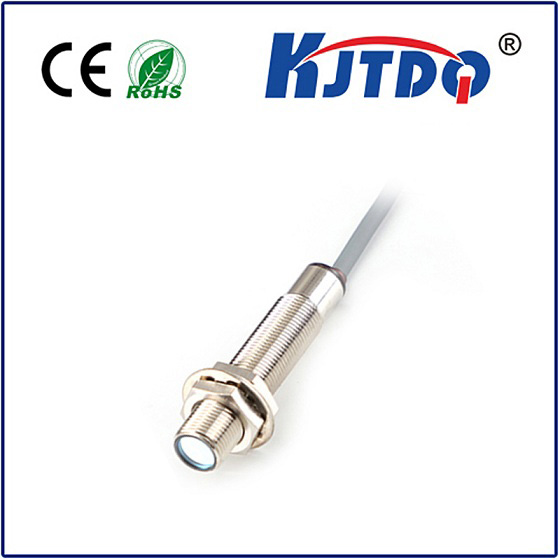
To begin, you'll need an Arduino board (like the Uno), a stepper motor (such as a NEMA 17), a compatible driver module (like the A4988 or DRV8825), and a limit switch. The switch typically has three terminals: common (COM), normally open (NO), and normally closed (NC). For a basic "stop" function, the common and normally open terminals are often used. Connect one terminal to the Arduino's GND and the other to a digital input pin, enabling the internal pull-up resistor in the code so the pin reads HIGH when the switch is open and LOW when pressed.
The stepper motor is connected to the driver module, which is then linked to the Arduino for control via step and direction pins. Power is supplied separately to the driver. In the Arduino sketch, you initialize the stepper library, set the pins for the motor and the limit switch as INPUT_PULLUP. The main loop continuously checks the state of the limit switch pin. A critical part of the code is implementing an interrupt or a fast polling routine. For reliability, using an interrupt service routine (ISR) attached to the limit switch pin is highly recommended. This ensures the Arduino reacts instantly to the switch activation, regardless of what other code is executing. Inside the ISR, a simple command disables the stepper motor or sets a flag to stop further movement.
Beyond basic stopping, advanced implementations use limit switches for homing sequences. Upon startup, the system can command the motor to move slowly toward the switch until it triggers. The moment the switch activates, the Arduino records this position as "home" or "zero." All subsequent movements are then calculated from this absolute reference point, guaranteeing repeatable accuracy. This is essential for projects requiring consistent positioning. Debouncing the switch in software is also crucial, as mechanical switches can produce erratic signals for a few milliseconds upon contact. A short delay in the code after the first trigger signal filters out this noise, preventing false readings.
When wiring, careful attention must be paid to power isolation. Noise from the motor power supply can interfere with the Arduino's logic, causing erratic switch readings. Using separate power supplies for the Arduino and the motor driver, or ensuring proper filtering with capacitors, mitigates this. Opting for optical limit switches instead of mechanical ones in dusty environments can improve long-term reliability, as they have no physical contacts to wear out.
Finally, testing the system step-by-step is key. First, upload a simple sketch to verify the Arduino correctly reads the switch state via the serial monitor. Then, test the motor movement without the switch. Finally, integrate both components, starting with slow speeds. This methodical approach helps isolate any issues with wiring or code. Mastering the Arduino stepper motor limit switch combination opens doors to building sophisticated, robust, and safe automated projects that operate within their intended physical limits, a cornerstone of professional mechatronics.