For any serious maker, hobbyist, or small business owner using a laser engraver, the pursuit of flawless, repeatable results is a constant journey. While the Xtool D1 Pro has rightfully earned its reputation as a powerful and accessible diode laser, experienced users often hit a subtle but frustrating wall: minor positional inaccuracies over time. These tiny deviations can ruin intricate projects, waste material, and introduce hours of recalibration. This is where an often-overlooked hardware upgrade transforms the machine from a great tool into a professional-grade workhorse: the limit switch.
Understanding the "Why": The Homing Problem
Every CNC machine, including laser engravers like the D1 Pro, operates on a coordinate system. To know where it is, it needs a fixed, unchanging reference point—this is the origin or "home" position. Without a physical sensor to define this point absolutely, the machine relies on its stepper motors' internal count of steps from its last known position. This method, known as "relative positioning," is susceptible to "drift." Slight mechanical slippage, a missed step from an obstruction, or even powering off the machine erases its internal coordinate memory. The next time you start a job, the laser head might be a millimeter or two off, leading to misaligned engravings, especially critical in multi-pass jobs or when combining raster and vector cuts.
The Limit Switch: Your Machine's True North
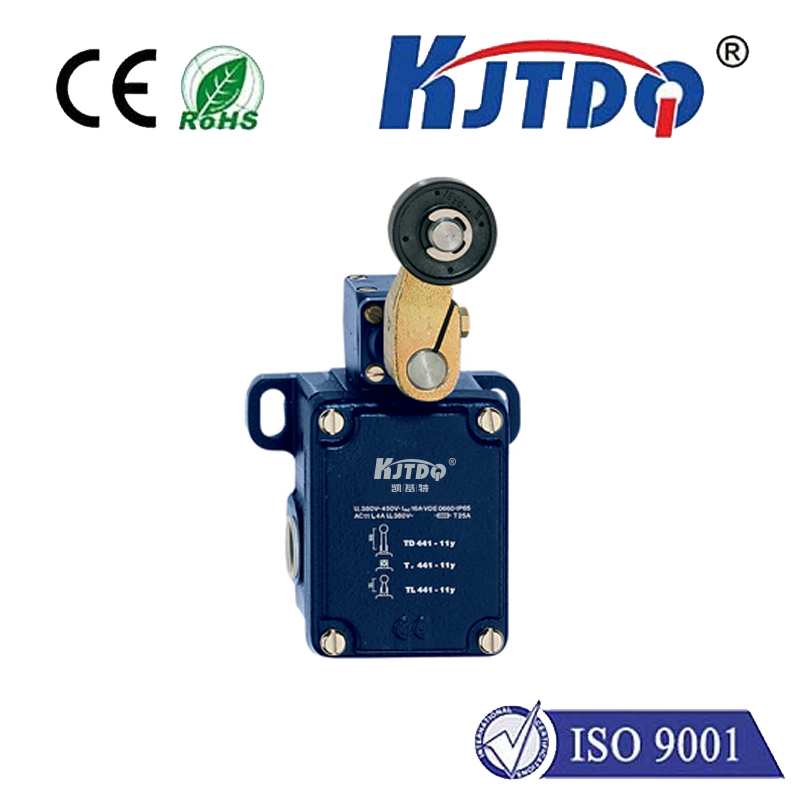
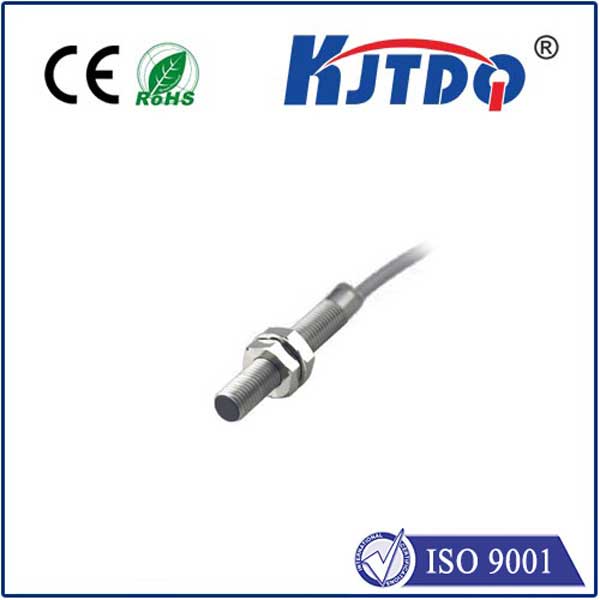
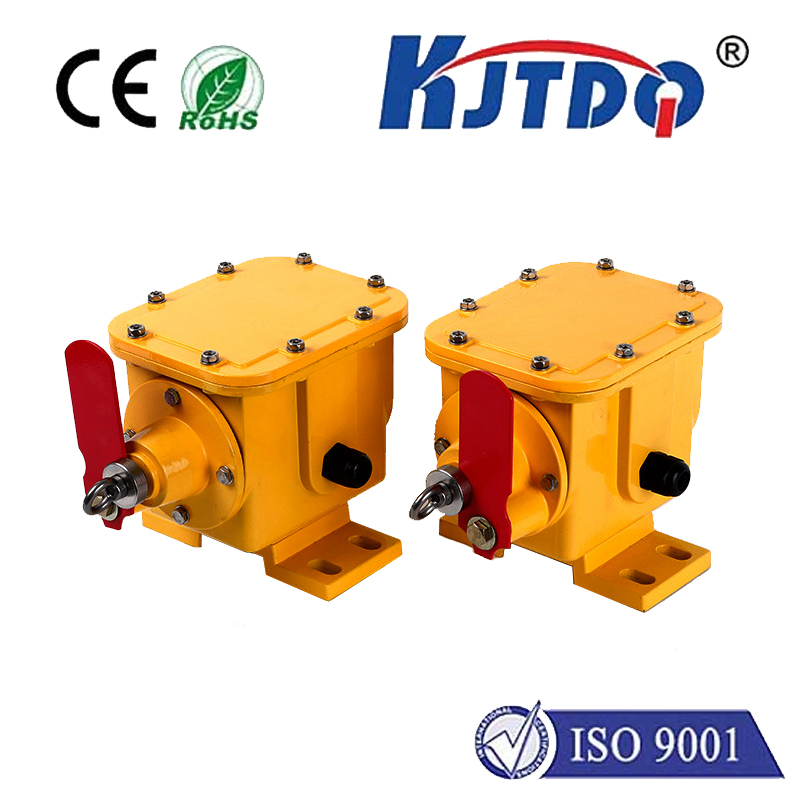
A limit switch is a simple electromechanical sensor that acts as an unwavering physical landmark. When the laser module's chassis touches the switch's actuator arm at the edge of its travel (typically the front-left corner), it sends a definitive signal: "You are HERE." This process, called "homing," establishes an absolute zero point before every job. For the Xtool D1 Pro, installing limit switches—usually one for the X-axis and one for the Y-axis—eliminates guesswork and drift. The machine always starts from the exact same physical location, ensuring perfect alignment across all your projects, today, tomorrow, and next month.
Tangible Benefits for Your Xtool D1 Pro Workflow
The installation of a limit switch kit, often designed as a plug-and-play accessory for the D1 Pro, delivers immediate and concrete improvements:
1. Perfect Job Alignment: Execute multi-stage projects with confidence. Engrave a detailed image, then precisely cut out the outline without a fraction of a millimeter of shift. This is indispensable for creating puzzles, layered acrylic signs, or precise inlays.
2. Hassle-Free Material Changes: Switch materials or workpieces frequently? Simply home the machine, reposition your new material against the physical stops, and your job file will run in the correct location every time. No more manual nudging or visual alignment.
3. Enhanced Safety and Damage Prevention: Limit switches can also serve as hard stops that prevent the laser head from crashing into the end of the frame during a software error or faulty G-code, protecting your machine's mechanics.
4. Professional-Grade Reliability: It brings a core feature of industrial CNC systems to your desktop. The consistency it provides is the hallmark of professional results, reducing material waste and saving valuable time spent on troubleshooting alignment issues.
Installation and Integration: Simpler Than You Think
Many third-party providers offer compact limit switch kits specifically tailored for the Xtool D1 Pro's rail system. Installation typically involves securing a small bracket to the frame, mounting the micro-switch, and routing the cable to the control board. The process is mechanical and straightforward, often requiring only basic tools. On the software side, popular laser control software like LightBurn fully supports limit switches. A quick configuration in the device settings tells the software to use the switches for homing, enabling a simple "Home" button click before starting your jobs.
Beyond the Basic Kit: Pro Tips
For the ultimate setup, consider a two-switch configuration per axis. While one switch defines the home position, a second switch at the opposite end of the travel can define the maximum travel area, allowing software like LightBurn to automatically map your machine's full working boundaries. Always ensure your switches are precisely positioned and firmly secured, as any flex or movement in the bracket will defeat their purpose. Use cable ties to manage wiring neatly, preventing snags.
Conclusion: A Small Investment for a Major Leap
The Xtool D1 Pro is a capable engine, and the limit switch is its precision guidance system. This upgrade addresses the fundamental need for repeatable accuracy that the stock machine lacks. It’s not about fixing a defect; it’s about unlocking the full, reliable potential of your tool. For users who demand precision and efficiency, integrating a limit switch is not just an add-on—it is the definitive next step in evolving your laser engraving workflow from experimental to exceptionally dependable. Stop compensating for drift and start commanding absolute precision.