Every 3D printing enthusiast knows the frustration: a print that starts perfectly but ends in a tangled mess of filament because the nozzle crashed into the build plate. Often, the unsung hero—or culprit—in these scenarios is the end stop switch. This small, seemingly simple component is the guardian of your printer's dimensional boundaries. It tells the printer's control board precisely where the print head or build plate is in space, defining the "home" position. When an end stop switch is miscalibrated, worn out, or fails, it can lead to layer shifting, axis grinding, and catastrophic print failures. Understanding and maintaining this critical part is essential for achieving consistent, high-quality results.
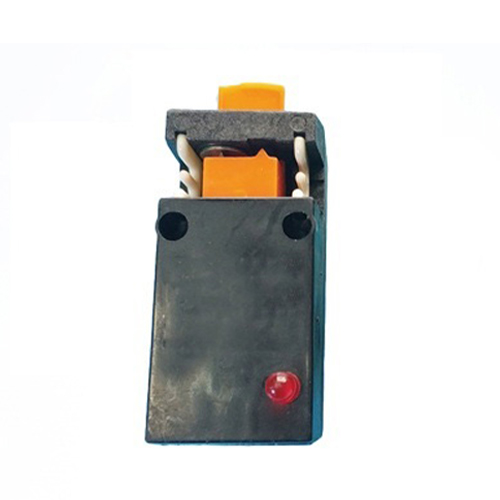
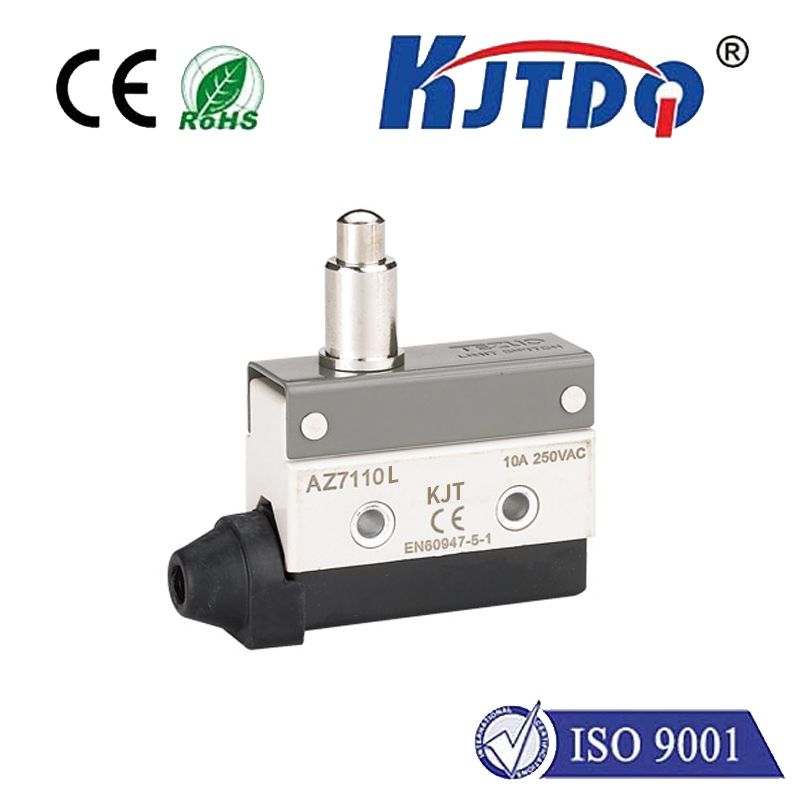
The primary function of an end stop switch is to act as a limit sensor. Most consumer 3D printers use mechanical micro-switches. As the moving axis reaches its limit, a small lever on the switch is depressed, triggering an electrical signal that tells the firmware, "Stop here." This process, known as homing, is performed before every print. There are also optical and magnetic end stops, which offer contactless operation and potentially higher durability, but the mechanical switch remains the most common due to its low cost and reliability. The critical point is that the signal must be consistent and accurate every single time. A switch that bounces, has a loose connection, or is physically misaligned will send a false "home" position, throwing off the entire print's coordinate system.
Common issues with end stop switches are often easy to diagnose. The most frequent problem is physical misalignment. Over time, vibrations can cause the switch mount or the tab that triggers it to shift slightly. If your printer homes correctly but the nozzle is too high or too low on the first layer, the Z-axis end stop likely needs adjustment. A grinding noise during homing, where the motor continues to push against the triggered switch, indicates a faulty switch or a wiring problem—the signal isn't being recognized by the board. Intermittent homing failures, where the printer sometimes fails to find "home," can point to a worn-out switch with internal contact bounce or a loose wire connection. Regular visual inspection of the switch, its mounting, and the trigger mechanism is a key part of printer maintenance.
Optimizing your end stop switch setup can dramatically improve print reliability. First, ensure secure mounting. The switch should not wiggle. Use lock washers or thread-locking adhesive on the mounting screws to combat vibration. Second, check the trigger mechanism. The part of the moving axis that hits the switch (often a small tab) should make firm, positive contact with the switch lever, depressing it fully and cleanly. Bent or misaligned tabs are a common source of inconsistency. For the Z-axis on bed-flinger printers, consider adding a small spacer or washer to fine-tune the trigger height for perfect first-layer squish. Third, inspect the wiring. Follow the wires from the switch to the control board, looking for frayed insulation, broken strands, or loose connectors at either end. A multimeter can be used to check for a clean open/closed circuit as the switch is clicked.
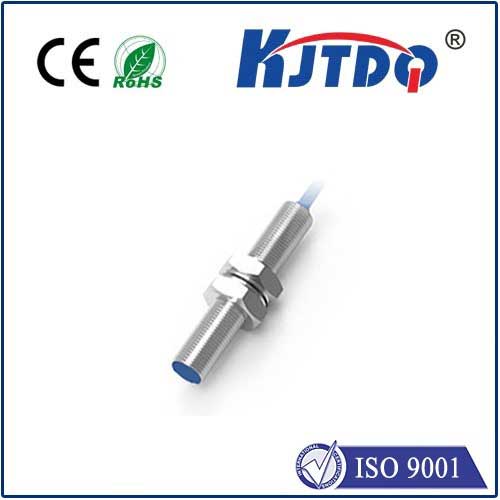
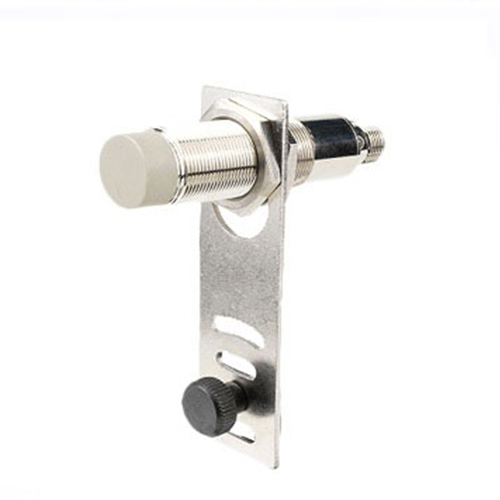
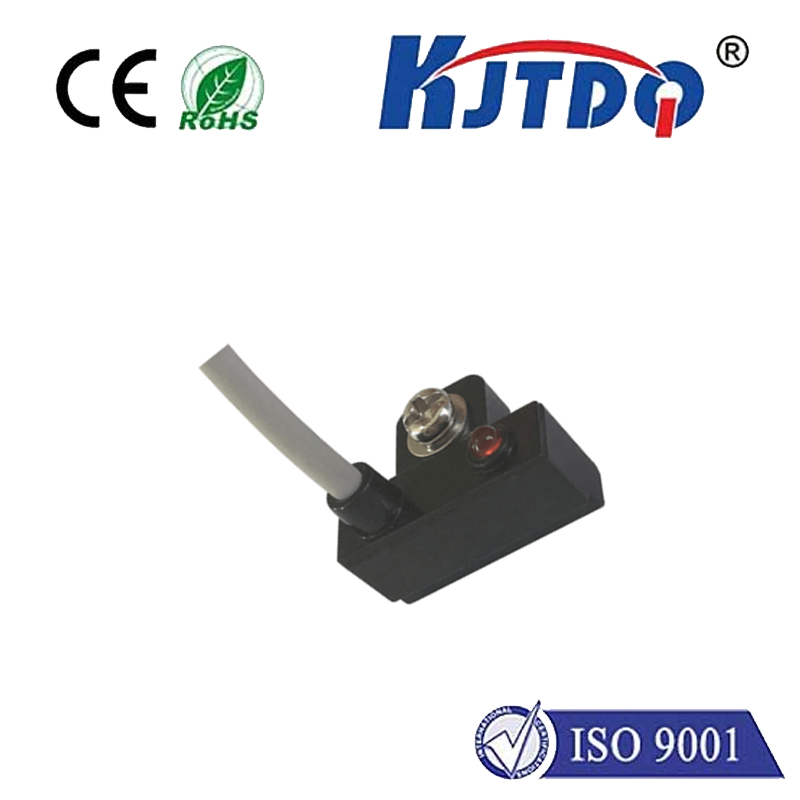
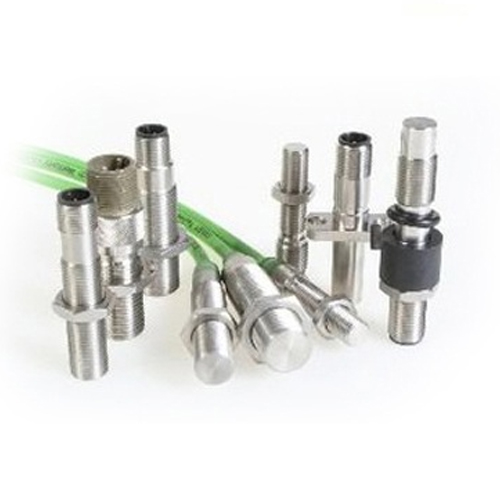
For those experiencing persistent issues, upgrading your end stop can be a worthwhile investment. Replacing a worn mechanical switch with a new, high-quality one is inexpensive and often solves the problem. For a more advanced solution, optical end stop switches eliminate mechanical wear and bounce. They use an infrared beam interrupted by a flag on the moving axis. While more precise, they can be susceptible to ambient light or dust. Magnetic Hall effect sensors are another robust, contactless option. Regardless of type, ensure compatibility with your printer's firmware and voltage levels. After any replacement or significant adjustment, recalibration is non-negotiable. Re-home all axes and meticulously recalibrate your Z-offset to ensure the nozzle is at the perfect height above the build surface.
In conclusion, dismissing the end stop switch as a trivial component is a mistake that leads to wasted filament and time. It is a fundamental sensor that establishes the foundation for every print. By incorporating regular checks of its alignment, mounting, and wiring into your maintenance routine, you proactively prevent a major class of printing failures. A well-tuned end stop switch provides the consistent, accurate homing that allows your printer's sophisticated firmware and mechanics to perform at their best. Paying attention to this small detail is a hallmark of a meticulous printer operator and is key to unlocking truly reliable and repeatable 3D printing performance.