Integrating a limit switch with a stepper motor using an Arduino is a fundamental skill for building precise and reliable automated systems. Whether you're creating a CNC machine, a 3D printer, or a custom automation project, this combination allows you to define physical boundaries and establish a known reference point, or "home" position. This guide will walk you through the practical steps, explain the core concepts, and provide a robust code example to get your project moving with confidence.
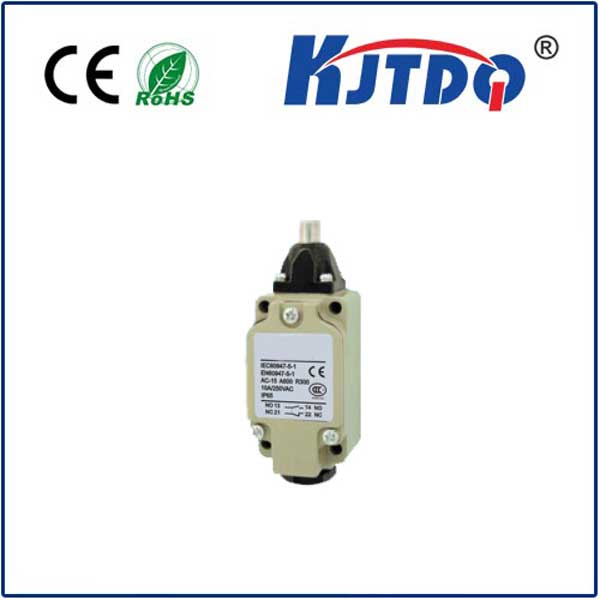
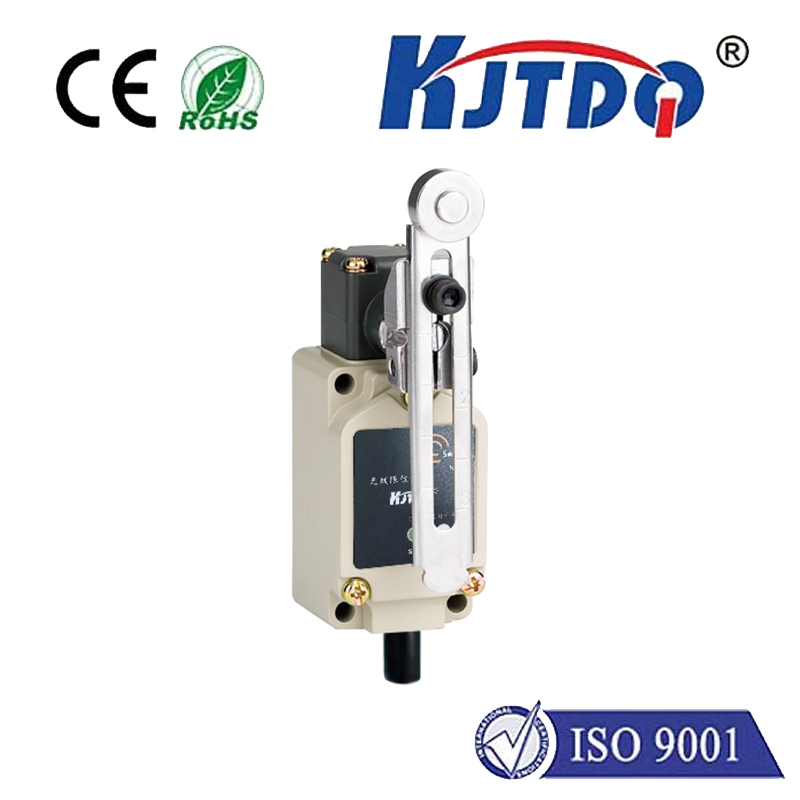
First, let's understand the components. A stepper motor moves in discrete steps, offering excellent control over position and speed. An Arduino microcontroller, like the popular Uno, serves as the brain, sending digital pulses to a stepper motor driver (such as the A4988 or DRV8825) which in turn powers the motor coils. The limit switch is a simple sensor—a mechanical button that opens or closes a circuit when a physical actuator is pressed. In many setups, the switch is "normally open" (NO) and closes when the moving part hits it.
The primary role of the limit switch here is homing. When a system starts, it doesn't know its physical position. By commanding the stepper motor to move slowly in one direction until the limit switch is activated, the Arduino can record that moment as the home or zero position. All subsequent movements can then be calculated from this known point, preventing the machine from crashing into its physical limits.
For the hardware connection, you'll need to wire three main parts. Connect the stepper motor to its driver module, ensuring proper coil pairing. Connect the driver's step and direction pins to designated digital pins on the Arduino (e.g., pins 2 and 3). Power the driver with an appropriate external power supply, separate from the Arduino's 5V, to handle the motor's current demands. For the limit switch, connect one terminal to the Arduino's ground (GND). Connect the other terminal to a digital input pin (e.g., pin 9). For reliable reading, enable the Arduino's internal pull-up resistor for that pin in your code. This configuration means the pin will read HIGH when the switch is open (not pressed) and LOW when the switch is closed (pressed).
The software logic is straightforward but must be carefully implemented. The core of the operation involves a homing routine. In this routine, the Arduino sets the motor to move in the direction of the limit switch. It then continuously checks the state of the digital pin connected to the switch. This check must happen rapidly within the loop. As soon as the pin reads LOW (switch pressed), the program immediately stops sending step pulses to the motor. It is crucial to include a short debounce delay after detecting the switch activation to account for mechanical bouncing of the switch contacts, which can cause multiple false triggers. Once homed, the system can move accurately to any other position defined in steps relative to this home.
Here is a practical and commented code example using the popular AccelStepper library, which simplifies complex motion control:
``cpp
# Включая
// Define pin connections
const int stepPin = 2;
const int dirPin = 3;
const int limitSwitchPin = 9;
// Define motor interface type (DRIVER means step/dir pins)
AccelStepper stepper(AccelStepper::DRIVER, stepPin, dirPin);
Неверные настройки () {
// Initialize the limit switch pin as INPUT with internal pull-up
pinMode(limitSwitchPin, INPUT_PULLUP);
// Set maximum speed and acceleration for the stepper
stepper.setMaxSpeed(1000); // steps per second
stepper.setAcceleration(500); // steps per second^2
// Call the homing function at startup
homeStepper();
}
Неверный цикл () {
// After homing, the motor can be moved to specific positions.
// Example: Move 2000 steps away from home, then back.
stepper.moveTo(2000);
stepper.runToPosition();
delay(1000);
stepper.moveTo(0);
stepper.runToPosition();
delay(1000);
}
// Homing function
void homeStepper() {
// Set a slow speed for homing for precision and safety
stepper.setSpeed(-300); // Negative speed moves towards the switch
// Move towards the limit switch until it is pressed
while (digitalRead(limitSwitchPin) == HIGH) {
stepper.runSpeed(); // Continuously run at the set speed
}
// Switch is pressed (LOW). Stop immediately.
stepper.stop();
// Small debounce delay to ignore mechanical switch noise
delay(50);
// Move slowly away from the switch to release it
stepper.setSpeed(300);
while (digitalRead(limitSwitchPin) == LOW) {
stepper.runSpeed();
}
stepper.stop();
delay(50);
// Set the current position as zero (home)
stepper.setCurrentPosition(0);
// Now the system is homed and ready.
}
``
This code provides a reliable homing sequence. The motor first approaches the switch slowly. Upon contact, it backs off slightly to release the switch and then sets the position to zero. This two-step process ensures the home position is just off the physical switch, not while it's being compressed.
For a robust system, consider these advanced tips. Always use separate power supplies for the Arduino logic and the motor driver to prevent electrical noise from causing resets or erratic behavior. Implement software debouncing, as shown, or hardware debouncing with a small capacitor across the switch terminals. For systems with two limits (e.g., one at each end of an axis), simply connect a second switch to another digital input and modify the homing routine to target the desired home switch. Always enclose moving parts and switches in a protective housing to prevent damage from debris or accidental contact.
By mastering the integration of an Arduino, limit switch, and stepper motor, you unlock the potential for creating precise, repeatable, and safe motion control projects. This foundational setup is the cornerstone of countless DIY and professional automation applications.