For makers, hobbyists, and small-scale manufacturers, precision and repeatability are the cornerstones of any successful project. When it comes to laser engraving and cutting with machines like the popular Xtool D1 Pro, achieving this consistency often hinges on a seemingly small but critically important component: the limit switch. Understanding its function, installation, and optimization can be the difference between a flawless production run and a costly misalignment.
At its core, a limit switch is a safety and calibration device. It acts as a sentinel, defining the physical boundaries—or "limits"—of the laser module's movement on the X and Y axes. When the moving carriage contacts the switch at the end of its travel, it sends an electrical signal to the control board. This tells the machine, "You have reached the home position" or "You are at the far edge of the working area." This process, known as "homing," is essential. Before every job, the D1 Pro uses these switches to find a known reference point (typically the front-left corner). From this absolute zero point, all subsequent movements are calculated, ensuring that your design is engraved or cut in the exact intended location on the material, every single time.
The benefits of a properly configured limit switch system are immense. First and foremost, it prevents catastrophic collisions. Without a defined home, the machine could try to move beyond its mechanical limits, potentially damaging the stepper motors, belts, or the laser module itself. Secondly, it eliminates positional drift. Over time, slight errors can accumulate in open-loop systems. Regular homing resets these errors, guaranteeing long-term accuracy. For batch production where you need to process multiple identical pieces, this repeatability is non-negotiable. Furthermore, it enhances user safety by providing a consistent starting and stopping protocol.
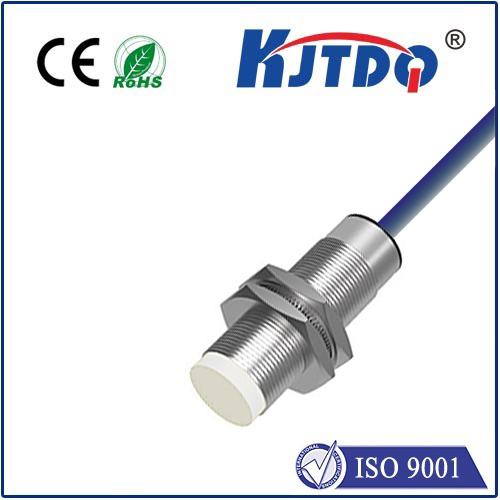
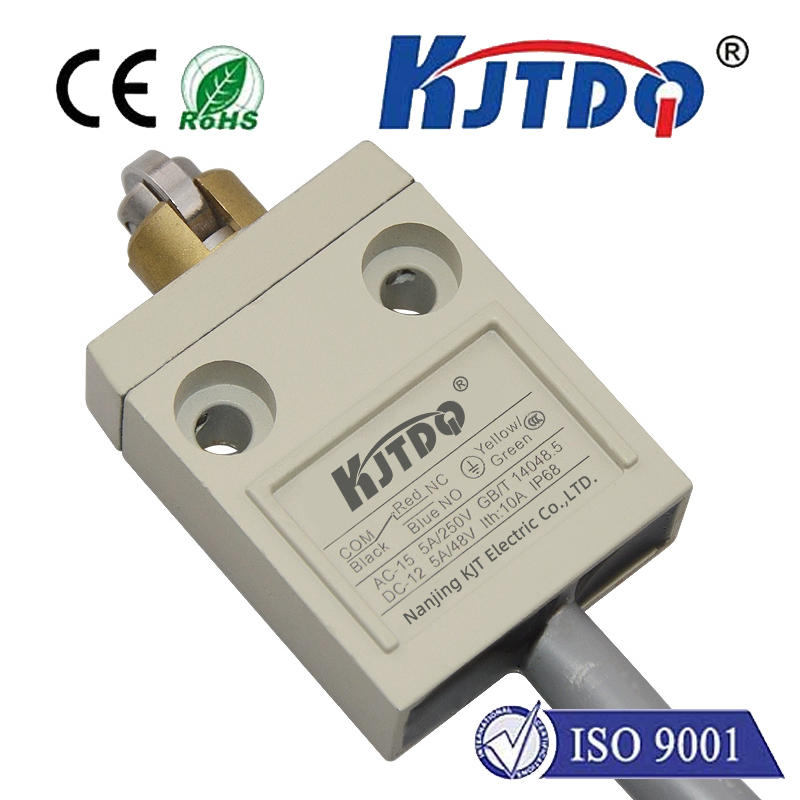
While the Xtool D1 Pro comes with pre-installed limit switches, advanced users often explore upgrades or replacements for specific needs. The stock switches are typically mechanical micro-switches. They are reliable but can be prone to physical wear over tens of thousands of cycles. Some users opt for optical limit switches. These use an infrared beam and a sensor; when the beam is interrupted by the passing carriage, the signal is triggered. Optical switches are contactless, meaning no physical pressure is applied, which can lead to faster homing speeds and theoretically infinite lifespan. However, they can be more sensitive to dust and debris in a workshop environment. Another consideration is magnetic Hall effect sensors, which offer similar contactless operation.
Installation and calibration are straightforward but require attention to detail. For installation, ensure the switch is mounted securely on the frame so the actuator arm or trigger is precisely in the path of the moving carriage. The wiring must be connected to the correct port on the control board as per the D1 Pro's manual. Calibration is done through the machine's control software, such as LaserGRBL or LightBurn. The process involves commanding the machine to home, observing its stopping point, and then making fine physical adjustments to the switch's position until the laser head stops at the perfect corner of your workbed. It's advisable to use a test material and run a simple border job to visually confirm the alignment.
Troubleshooting common issues is part of the ownership experience. If the machine fails to home, check the obvious first: ensure all connections are secure and the switch isn't physically obstructed. Listen for the audible "click" of a mechanical switch when manually pressing the actuator. You can use a multimeter to test for continuity. Sometimes, the issue is in the software configuration, where the homing direction or pin assignment might be incorrect. If the homing position is inconsistent, it could point to a loose mount, a worn-out switch, or even belt tension issues that cause the carriage to bounce or stutter.
For professionals pushing their Xtool D1 Pro to its limits, integrating robust limit switches is not an option; it's a necessity. It transforms a great tool into a reliable precision instrument. Whether you're crafting intricate jewelry, producing branded corporate gifts, or prototyping engineering parts, the confidence that your machine will start and operate within a perfectly defined coordinate system is invaluable. It saves material from waste, saves time from reworks, and protects your investment. By mastering the setup and maintenance of your limit switch system, you unlock the full, consistent, and professional potential of your desktop laser workshop.