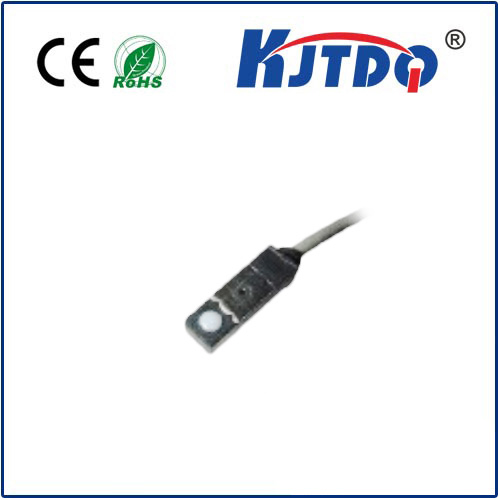
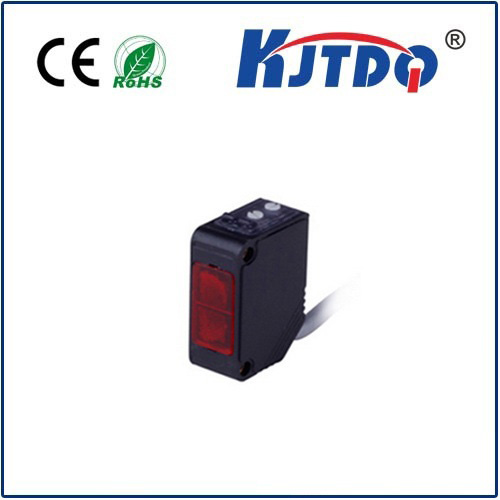
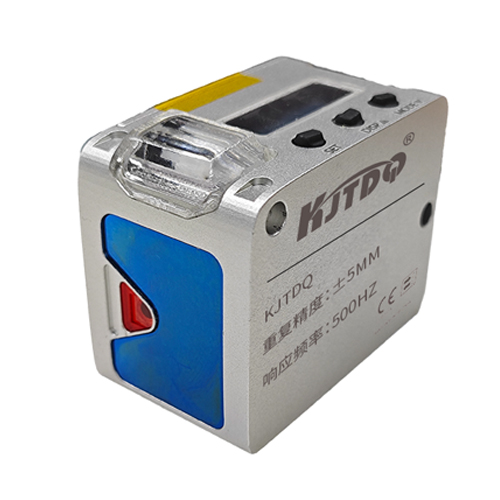
In the world of automation and smart devices, a "proximity sensor no" response—indicating the sensor is not detecting an object within its expected range—can bring operations to a frustrating halt. This issue is not a simple binary failure; it often points to a complex interplay of environmental factors, physical obstructions, and technical configurations. Proximity sensors, the silent sentinels in everything from smartphones to industrial assembly lines, rely on precise electromagnetic or capacitive fields. When they fail to register presence, the root cause is seldom the sensor declaring a definitive "no," but rather its inability to perceive a "yes.
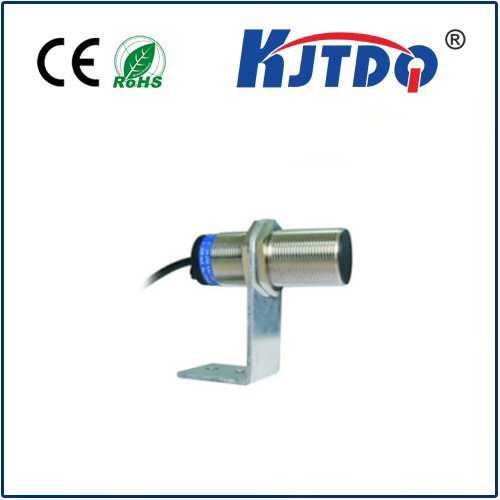
A primary culprit behind a non-responsive proximity sensor is environmental contamination. Dust, oil, metallic shavings, or even a thin film of moisture can accumulate on the sensor's face. This layer acts as a barrier, dampening or distorting the emitted field. For instance, in a packaging plant, grease from machinery can coat an inductive sensor, preventing it from detecting a passing metal component. The sensor doesn't fail internally; it simply cannot project its sensing field effectively into the target area. Regular, gentle cleaning with appropriate solvents is often the first and most effective troubleshooting step.
Physical alignment and distance are equally critical. Every proximity sensor has a specified nominal sensing range (Sn). An object present but just outside this range will not be detected, resulting in a "no" signal. Furthermore, misalignment can be a stealthy issue. A sensor mounted at a slight angle may have its field projected away from the intended target path. In automated guided vehicle (AGV) systems, a misaligned sensor might fail to detect a docking station, causing navigation errors. Verifying the sensor's mounting position, angle, and ensuring the target is well within its rated range under all operating conditions is essential.
Electrical and interference problems often manifest as intermittent "no" responses. Voltage fluctuations below the sensor's operating minimum can cause it to reset or behave erratically. Electrical noise from nearby motors, variable frequency drives (VFDs), or high-current cables can induce false signals in the sensor's circuitry, sometimes masking a true detection. Using shielded cables, ensuring proper grounding, and installing filters or ferrites on the power and output lines are standard practices to combat electromagnetic interference (EMI). Checking the power supply with a multimeter during operation can reveal instability invisible during idle tests.
The nature of the target object itself is a frequently overlooked factor. An inductive sensor tuned for mild steel may have a drastically reduced range for stainless steel or aluminum. A capacitive sensor meant to detect liquids might be triggered by a human hand or ignored by a non-conductive material if not correctly calibrated. The sensor's output remains "no" because the target's material, size, or shape does not interact sufficiently with its sensing field. Consulting the sensor's datasheet for target material correction factors and minimum detectable object size is crucial for application design and diagnosis.
Finally, internal component degradation or incorrect parameter setting can lead to persistent issues. Over time, the oscillator circuit in an inductive sensor can drift, or the lens of an optical sensor can fog. While less common than external factors, these require technical inspection or replacement. In programmable logic controller (PLC) systems, a "proximity sensor no" might be a logic error—the sensor is working, but its input address is misconfigured in the software, or its signal is being overridden. A systematic approach, starting with the simplest external checks (cleanliness, alignment, power) before moving to complex electrical and programmatic diagnostics, is the most efficient path to resolution. Understanding that "no detection" is a symptom, not the disease, guides effective troubleshooting and ensures the seamless operation these critical components are designed to provide.